
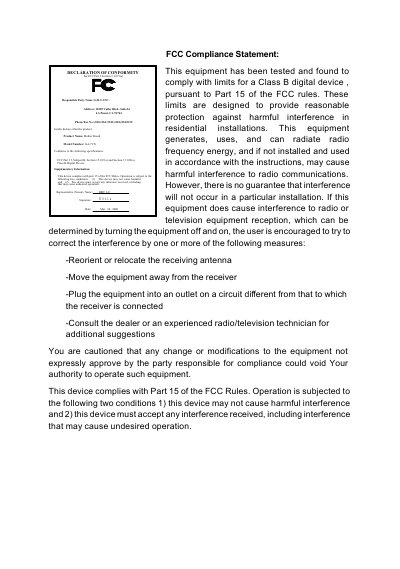
This equipment has been tested and found to comply with the limits for a Class B digital device, pursuant to Part 15 of the FCC rules. These limits are designed to provide reasonable protection against harmful interference in residential installations. This equipment generates, uses, and can radiate radio frequency energy, and if not installed and used in accordance with the instructions, may cause harmful interference to radio communications. However, there is no guarantee that interference will not occur in a particular installation. If this equipment does cause interference to radio or television equipment reception, which can be determined by turning the equipment off and on, the user is encouraged to try to correct the interference by one or more of the following measures: -Reorient or relocate the receiving antenna -Move the equipment away from the receiver -Plug the equipment into an outlet on a circuit different from that to which the receiver is connected -Consult the dealer or an experienced radio/television technician for additional suggestions. You are cautioned that any change or modifications to the equipment not expressly approved by the party responsible for compliance could void Your authority to operate such equipment. This device complies with Part 15 of the FCC Rules. Operation is subjected to the following two conditions: 1) this device may not cause harmful interference, and 2) this device must accept any interference received, including interference that may cause undesired operation.
This installation guide covers everything needed to set up the 7VX GA-7VX motherboard, including a checklist of package contents, step‑by‑step hardware installation, BIOS configuration, and optional features such as Dual BIOS, Suspend‑to‑RAM, Four‑Speaker and SPDIF. It also contains performance test results, chipset block diagrams, and an appendix with driver and BIOS update instructions.
The guide lists the motherboard’s specifications, compliance statements for FCC Class B digital devices, and safety notices. It is organized into sections for version revisions, component layout, hardware configuration, and detailed procedures for installing audio drivers and updating the BIOS. This manual is written in Chinese.
| Form factor | 30.6 cm × 22 cm ATX |
|---|---|
| CPU support | AMD Athlon (K7) Slot A processor |
| AGP slot | 1 AGP 66/133 MHz, 3.3 V/1.5 V support |
| PCI slots | 5 × 32‑bit PCI slots |
| USB ports | 4 USB connectors |
| Audio codec | Creative CT5880 (AC’97) sound codec |
Insert the driver CD (TUCD) into the CD‑ROM; the installer will start automatically and you can follow the on‑screen prompts to complete the installation.
Use the appropriate flash utility supplied with your BIOS vendor – AWDFlash.exe for AMI BIOS or AMIFlash.exe for Award BIOS – to flash the new BIOS file.