
Gigabyte GA-8S661FXM P4 Titans Series Motherboard Installation Manual

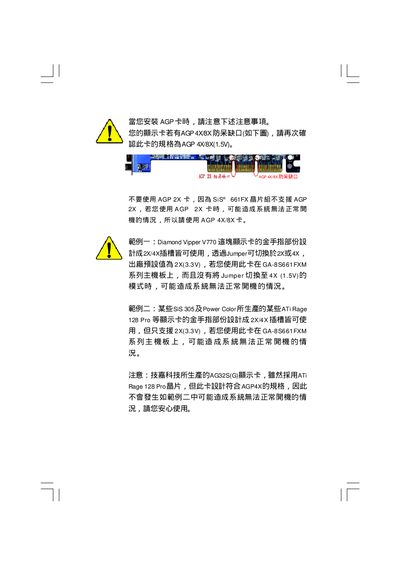
This document introduces the installation precautions of GA-8S661FXM series mainboard when installing AGP card, including AGP card type, slot type, and how to switch AGP card frequency.

Gigabyte GA-8S661FXM P4 Titans Series Motherboard Installation Manual - cover page
Brand
GA-8S661FXM系列
Category
Motherboard
Document type
Installation Guide
Language
Chinese
Pages
112
File format
PDF
File size
3.9 MB
Published
09 April, 2012
Updated
30 September, 2023
MD5 checksum
C235BD1B3AF2E3DB904A661AF4C84C88

About this manual

This manual provides step‑by‑step instructions for installing the GA‑8S661FXM motherboard, covering CPU, memory, interface boards, and wiring. It also includes safety warnings, BIOS update procedures, and troubleshooting tips.

The document contains layout diagrams, connector pinouts, and reference to compliance certifications. Contact information for Gigabyte technical support in Taiwan, China, Europe and the United States is listed at the end. This manual is written in Chinese.

What's inside

  • Safety Precautions
  • CPU Installation
  • Memory Module Installation
  • Interface Board Installation
  • Connector Wiring
  • BIOS Update Method
  • Jack‑Sensing Function
  • Xpress Recovery
  • Technical Reference Documents
  • Glossary

Specifications

Model NumberGA-8S661FXM

Frequently asked questions

Who is the manufacturer of this motherboard?

The motherboard is manufactured by Gigabyte (Giga‑Byte Technology B.V.).

What is the model number of the board covered by this manual?

The model number is GA‑8S661FXM.

Download PDF (3.9 MB)