
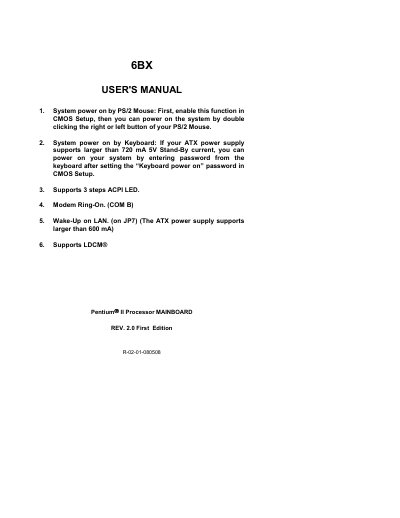
This manual covers the GA-6BX motherboard, describing its power‑on features, CPU speed configuration, jumper settings and connector functions. It also includes BIOS setup instructions and regulatory compliance information.
Key sections include PS/2 mouse and keyboard power‑on methods, CPU bus speed selection (66.6 MHz or 100 MHz), detailed pin‑out tables for LEDs, reset, IDE, and other connectors, as well as FCC and CE conformity statements.
| 5V Stand‑By current support | larger than 720 mA |
|---|---|
| ATX standby current support | larger than 600 mA |
| CPU bus speed options | 66.6 MHz or 100 MHz |
Enable the function in CMOS Setup, then double‑click the right or left button of the PS/2 mouse.
Short JP6 pins 1‑2‑3 (open) to set the system speed to 100 MHz.
The device may not cause harmful interference and must accept any interference received.