
The SS-10 is designed to work with most vehicles that are equipped with non-mechanical transmission sensors (no speedometer cable). This interface amplifies and conditions pulses emitted from your vehicle's speed sensor and supplies the signal to your QTT DMI to accurately compute traveled distances.
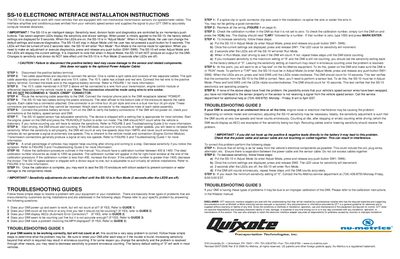
The SS-10 electronic interface amplifies and conditions pulses from a vehicle's speed sensor and sends the signal to a QTT DMI for distance calculation. It is designed for vehicles with non‑mechanical transmission sensors and features six push‑buttons, two seven‑segment LEDs, and adjustable sensitivity and divisor settings.
The manual provides step‑by‑step wiring instructions, how to enter Adjust Mode, adjust sensitivity and divisor, perform calibration, and execute diagnostic tests. Safety cautions, troubleshooting guides, and part numbers are also included to ensure a correct and reliable installation.
| Calibration number range | 400‑1400 |
|---|---|
| LED display | Two seven‑segment LEDs show sensitivity and divisor |
| Push‑button controls | Six momentary push buttons (SW1‑SW6) |
| Cable lengths | 15 ft and 10 ft cables in split cable assembly |
Press and release any push button (SW1‑SW6); the LEDs will turn on and display the current settings.
Enter Adjust Mode, then press SW1; each press increments the sensitivity value displayed on the LED.
Disconnect the positive battery terminal before beginning the installation.