
iL-90MV User Manual provides a comprehensive introduction to the features, specifications, layout, hardware configuration, BIOS settings, drivers and utilities of the iL-90MV motherboard
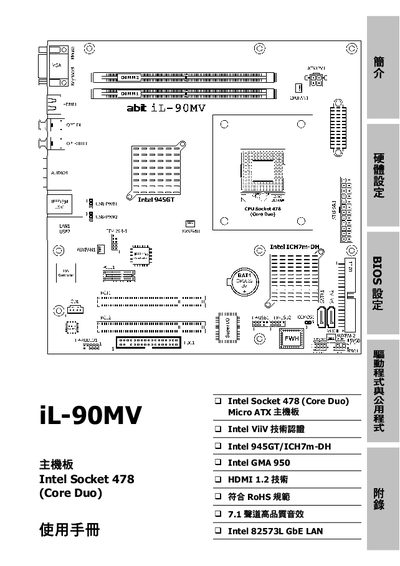
This manual covers the iL-90MV motherboard built on the Intel 945GT chipset with an Intel Socket 478 (Core Duo) CPU socket. It details the board’s features, supported components, and compliance with RoHS standards.
The guide includes step‑by‑step installation instructions, BIOS setup options, driver installation procedures, troubleshooting tips, and contact information for worldwide ABIT support centers. This manual is written in Chinese.
| CPU Support | Intel Core Duo/Solo, Core 2 Duo (Socket 478) |
|---|---|
| Chipset | Intel 945GT |
| Southbridge | Intel ICH7m‑DH |
| Memory Slots | 2 × 240‑pin DIMM slots |
| Memory Type | DDR2 667/533 Un‑buffered Non‑ECC |
| Integrated Graphics | Intel Graphics Media Accelerator 950 |
| HDMI | HDMI 1.2, supports 1080p |
| Audio | 7.1‑channel HD audio with SPDIF |
| Network | Intel 82573L Gigabit Ethernet |
| RoHS Compliance | Meets RoHS standards |
Enter the BIOS setup, navigate to the "Set Password" option (section 3.10) and follow the prompts to define or change the password.