
This manual introduces the connection method of the front panel interface of the motherboard, including audio input and output, video output, card reader, etc., and provides product size, specification description, interface description, installation instructions and other information.
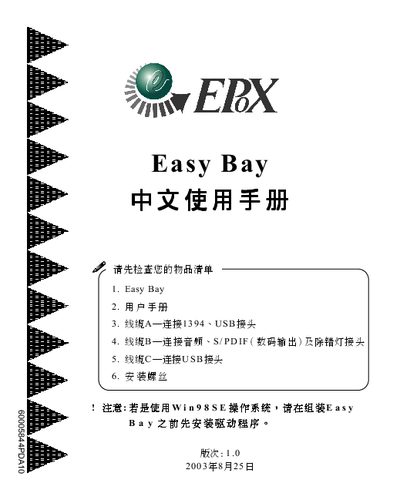
This manual describes the Easy Bay card, a multimedia interface board that adds USB2.0, IEEE‑1394a, audio, and digital video connections to a PC. It includes safety notices, installation steps, and driver installation guidance for Windows operating systems.
The document lists the card's physical dimensions, connector types, supported memory cards, and required drivers. It also details the pin definitions for USB, IEEE‑1394, and S/PDIF interfaces, and explains how to connect the card to a compatible Intel‑based motherboard. This manual is written in Chinese.
| Dimensions | 47 mm × 75 mm × 41 mm |
|---|---|
| USB ports | 2 × USB 2.0 |
| IEEE‑1394 ports | 2 × IEEE‑1394a (one large, one small) |
| Supported OS | Windows 98SE/NT/ME/2000/XP |
The card provides drivers for Windows 98SE, Windows NT, Windows ME, Windows 2000, and Windows XP.
It has two USB 2.0 ports.
The card provides a stereo output jack, a microphone input jack, an optical digital output, and an RCA digital output.