
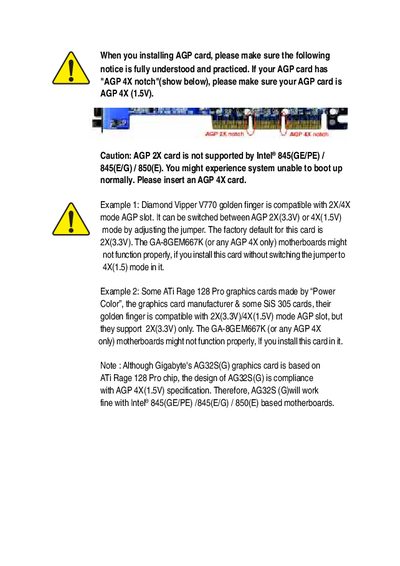
This document introduces how to pay attention to installation of AGP card, including AGP card slot type, supported AGP card, how to switch AGP card mode and so on
This manual covers the complete hardware installation process for the GA-8GEM667K motherboard, including CPU, memory, expansion cards, and power connections. It also details safety precautions for handling sensitive components and static electricity protection.
Later sections describe BIOS configuration, advanced features, technical reference data, and a troubleshooting guide to help resolve common boot‑up problems. Contact information for Gigabyte technical support is provided at the end.
| Supported AGP slot | AGP 4X (1.5V) only |
|---|---|
| CPU socket | Pentium 4 |
| Memory type | DDR |
| Chipset compatibility | Intel 845/850 series |
Press to enter BIOS setup, choose "Load Optimized Defaults", save and exit.