
This document describes the installation instructions for AGP cards on GA-8ID2003 motherboards, including the use of AGP 2X (3.3V) cards, switching Jumper, and using AG32S (G) graphics cards from GIGABYTE
This manual provides step‑by‑step instructions for installing the GA‑8ID2003 motherboard, including CPU, memory, expansion cards and cables. It also explains safety precautions such as handling of static‑sensitive components and proper mounting in the chassis.
Additional sections cover BIOS setup, advanced features like Hyper‑Threading support, hardware monitoring, and a detailed troubleshooting guide to help resolve common startup issues. This manual is written in Chinese.
| Form factor | ATX 19.6 cm × 29.5 cm |
|---|---|
| CPU socket | Socket 478, supports Intel Pentium 4 processors |
| Chipset | Intel® 845 HOST/AGP/Controller |
| Memory slots | 3 × 168‑pin DIMM, supports PC‑100/PC‑133 SDRAM (3.3 V), up to 2 GB total |
| Expansion slots | 1 × AGP 4X (1.5 V), 5 × PCI 33 MHz (PCI 2.2 compliant) |
| IDE interfaces | 2 × IDE bus master (UDMA 33/ATA 66/ATA 100) |
| USB ports | 4 × USB 1.1 ports |
| Audio codec | RealTek ALC201 / ALC650 |
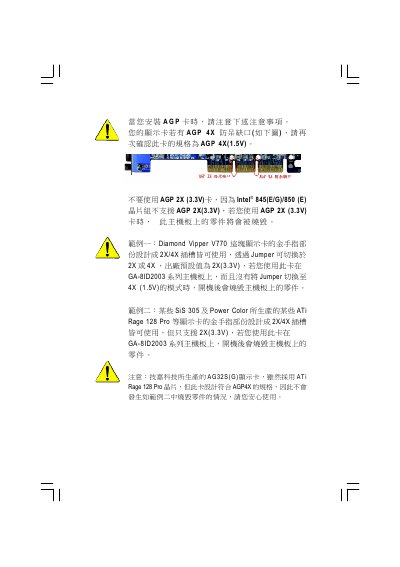
Only AGP 4X (1.5 V) cards are supported; using an AGP 2X (3.3 V) card can burn the board.
The board has three 168‑pin DIMM slots, supports PC‑100/PC‑133 3.3 V SDRAM, and can hold up to 2 GB of RAM.
Press during boot to enter BIOS, select “Load Optimized Defaults”, save and exit.