
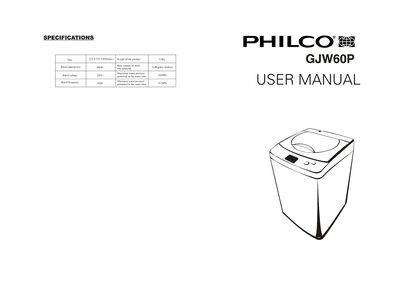
This file is a user manual for a washing machine of a certain brand. It introduces the product's features and characteristics, including product size, rated input power, rated voltage, rated frequency, product weight, wash capacity, maximum inlet pressure, and minimum inlet pressure.
This manual covers all steps needed to install the Philco GJW60P front‑loading washing machine, including placement, water inlet and drain hose connections, power grounding and base‑cover fitting. Detailed diagrams and notices help ensure a stable, safe setup.
It also explains the operation of the control panel, the eight automatic programs, self‑programming, detergent dosing, water‑level selection, and provides troubleshooting tips and routine maintenance such as cleaning the lint filter and water‑inlet mesh bag.
| Dimensions (W×H×D) | 522 × 532 × 894 mm |
|---|---|
| Weight | 33 kg |
| Rated input power | 400 W |
| Maximum water pressure | 0.6 MPa |
| Rated voltage | 220 V |
| Frequency | 50 Hz |
First loosen the locking ring without dropping it, then attach the universal connector to the tap, tighten the screws, and finally connect the hose to the machine’s inlet.
Press the water‑level button; each press moves the indicator light to the next level, allowing you to select the desired water amount.
Open the front panel, take out the lint filter, clean any trapped fibers, and reinstall it before the next wash.