
OGO O78 phone user manual, introduces the phone's features and usage methods
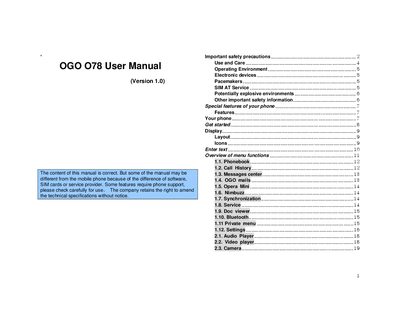
This manual covers important safety precautions, such as avoiding phone use while driving, near fuel, or in aircraft, and provides guidance on battery handling and environmental limits. It also explains how to install the SIM card, charge the battery, and power the device on and off.
The document details the phone’s special features, including the touch screen, camera, motion sensor, Bluetooth, and multimedia functions, as well as menu navigation for phonebook, messaging, media players, and utilities like calculators and world clock.
| Battery type | Li‑ion accumulator |
|---|---|
| Operating temperature range | -10 °C to 40 °C |
| Water resistance | Not water‑resistant |
| Display type | Touch screen |
No, you should not use a hand‑held phone while driving; park the vehicle first.
A low‑battery warning tone sounds, the low‑battery message appears, and the phone will shut off if the level gets too low; recharge the battery.
No, the phone is not water‑resistant and should be kept dry.
The phone should be used between –10 °C (14 °F) and 40 °C (104 °F).