
The document contains the features and characteristics of the product, describing its functions and applications.
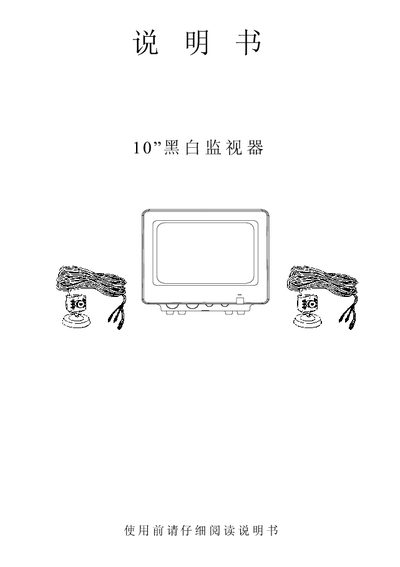
This manual explains how to operate the 10‑inch black and white monitor. It describes each button on the front panel, how to power the unit on, select input lines, adjust volume, brightness, contrast, and field‑frequency control, as well as how to connect audio and video sources.
Installation instructions include connecting the DC power adapter, audio and video cables, and optional camera inputs. The specifications section lists screen size, resolution, audio output, power requirements, and night‑vision capability. This manual is written in Chinese.
| Screen size | 10" |
|---|---|
| Resolution | greater than 300 lines |
| Audio output | 0.5 WATT |
| Power supply | 13.5 V / 1.0 A AC adapter |
| Power consumption | 12 W (DC 12 V input) |
| Camera supply voltage | 8‑12 V, 150 mA |
| Night‑vision distance | 2‑3 m (6‑9 ft) |
Press the power button (labeled 35) to power up the monitor.
Slide the line‑selection switch to the desired position, such as Automatic, Camera 1, or Camera 2.
Use the brightness control (2) and contrast control (1) to increase or decrease the image intensity.
A 13.5 V, 1 A AC adapter is needed to power the monitor.