
This is a product manual, about the use of Legend M600 printer.
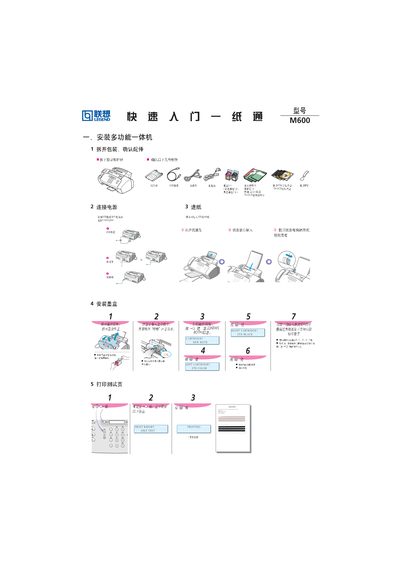
This manual explains how to unpack the Lenovo M600 multifunction printer, connect it to power, load paper (up to 100 A4 sheets), and install the required drivers on a computer. It also covers basic functions such as printing, copying, scanning and faxing, as well as simple maintenance tasks like replacing ink cartridges and performing calibration.
Step‑by‑step instructions are provided for driver installation, connecting the printer via USB, and using the printer's control panel for common operations. Troubleshooting tips and cartridge replacement procedures are included to help keep the device running smoothly. This manual is written in Chinese.
| Paper capacity | 100 sheets A4 |
|---|---|
| Power supply | 110V/220V |