
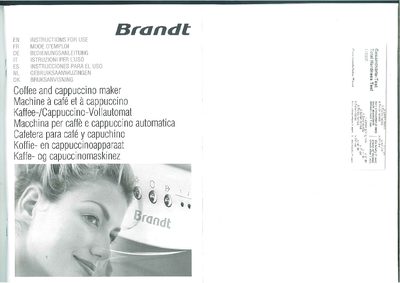
Brandt 500FL Coffee Cappuccino Maker User Manual


Brandt 500FL Coffee Cappuccino Maker User Manual - cover page
Brand
Brandt
Document type
User Manual
Language
English
Pages
14
File format
PDF
File size
4.6 MB
Published
01 April, 2012
Updated
01 April, 2012
MD5 checksum
9381885A96ECCCE0F6197A6798FCEFCE

About this manual

The Brandt 500FL coffee and cappuccino maker is an automatic appliance designed for home use. This manual covers safety warnings, installation steps, preliminary checks, and detailed operating instructions for making coffee, espresso, and cappuccino, as well as cleaning and maintenance procedures.

Key features include a control panel with menu navigation, adjustable coffee mill, milk frother, and built‑in descaling alerts. The document also provides guidance on setting water hardness, changing language, and troubleshooting common issues.

What's inside

  • Introduction
  • Safety
  • Description of appliance and controls
  • Preliminary checks and installation
  • First‑time use and language selection
  • Turning on and heating up
  • Preparing coffee, espresso and cappuccino
  • Adjusting coffee mill and quantity
  • Cleaning, descaling and maintenance
  • Troubleshooting and displayed messages

Frequently asked questions

How do I change the language to English?

Press the OK button when the appliance displays “PRESS OK TO INSTALL ENGLISH”, hold it for at least three seconds until you hear a beep and the message “ENGLISH INSTALLED” appears.

How can I set the water hardness?

Customize the water hardness as soon as possible by following the instructions in the “SETTING WATER HARDNESS” chapter.

Download PDF (4.6 MB)

More Brandt Manuals


View all Brandt manuals →