
This is a user manual for the PageExpress S40 A4 Portable Scanner. The scanner is portable and powered by a USB interface, eliminating the need for batteries and AC power supply. The manual provides instructions on software installation, direct scanning, scan settings, scanner calibration and cleaning, and more.
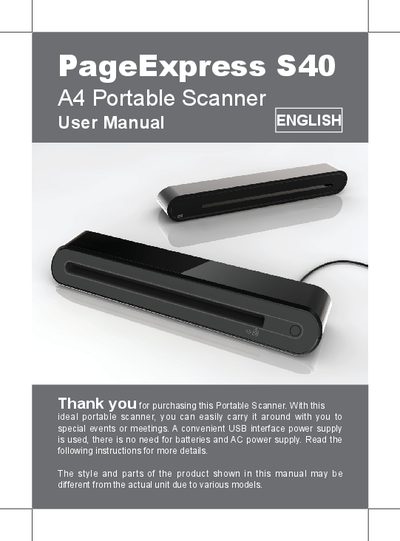
This manual covers safety information, package contents, and step‑by‑step instructions for installing the scanner driver and hardware. It explains how to connect the USB cable, install required software, and set up the scanning environment.
The guide also details scanning operations, including using the scan pad, adjusting scan settings, calibrating or cleaning the scanner, and exporting images to PDF or TIFF. Additional tips cover the use of the protective photo sleeve and troubleshooting common issues.
| Resolution | 600 dpi (T) x 600 dpi (B) |
|---|---|
| Maximum Scan Size | 216 x 355 mm |
| Supported Operating Systems | Windows XP / Vista / 7, Mac OS X 10.4‑10.6 |
| Dimensions | 293 x 63.7 x 39 mm |
Insert the installation CD, select "Scanner Driver" from the software list, and follow the on‑screen instructions.
Keep the scanner away from water, moisture, dust, extreme temperatures, and direct sunlight; avoid liquid spills and impacts; disconnect the USB cable when not in use.
When you start scanning for the first time, a calibration window appears; follow the on‑screen steps to calibrate the scanner.
Press the "PDF" icon on the toolbar to export the scanned images into a PDF file.