
The PS-F35P 35mm Film and Slide Scanner User manual describes the features and parts of the product, including important safety instructions, package contents, product overview, software installation, connecting the scanner to a PC, inserting slides and negatives, scanning slides and negatives, learning about the scanning program, color correction, starting the scan, editing photos, helpful tips, and specifications.
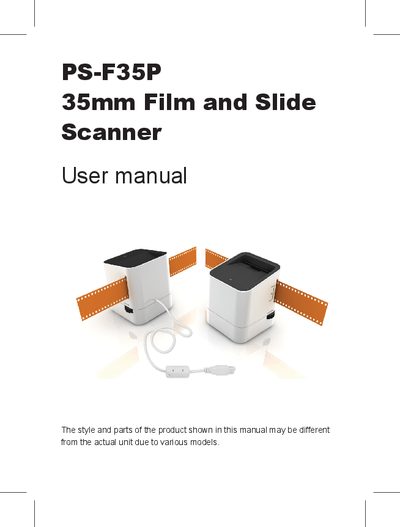
The PS-F35P is a compact 35mm film and slide scanner equipped with a 5‑megapixel CMOS sensor, fixed‑focus lens (f/6.0, 4 elements), and back‑light illumination using three white LEDs. It connects to a PC via USB and is powered directly from the USB bus.
This manual covers important safety guidelines, unpacking, product overview, software installation, connecting the scanner, inserting slides or negatives, scanning settings, color correction, and post‑scan image editing. Troubleshooting tips and full technical specifications are provided at the end of the document.
| Image Sensor | 5 megapixels CMOS sensor |
|---|---|
| Lens | F no.= 6.0, 4 elements |
| Focus Type | Fixed focus |
| Light Source | Back light (3 white LEDs) |
| System Support | Windows XP / Vista / 7 |
| Image Size | 5 MP (2592×1680) / 10 MP (3600×2333) by software enhancement |
| Image Format | JPEG |
| Exposure Control | Manual Color Balance Automatic / Manual |
| Scan Quality | 1800 dpi / 2700 dpi (software enhancement) |
| Data Conversion | 8 bits per color channel |
| Scan Method | Single pass |
| Scan Speed | ~5 sec per photo |
| Power Consumption | USB bus powered 5 V, 500 mA |
| Dimensions | 99 × 80 × 85 mm (H × W × D) |
| Weight | Approx. 220 g |
Make sure the USB cable is firmly plugged into both the scanner and the PC and verify that the correct software has been installed.