
This document describes the usage of a scanner, including how to place the scanner, select scan direction and file type, and perform basic and advanced scanning operations. It also explains how to playback scanned files.
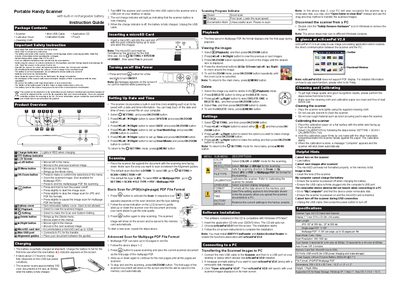
The Portable Handy Scanner Instruction Guide provides safety guidelines, battery handling, and detailed operating procedures for scanning documents in JPG, PDF, or multipage PDF formats. It covers button functions, menu navigation, scanning settings, and how to connect the scanner to a PC using the included software.
The guide also includes cleaning and calibration instructions, troubleshooting tips, and a full specifications table describing the scanner type, display, resolution, speed, power supply, and supported memory cards.
| Scanner Type | A4 CIS Hand‑held Scanner |
|---|---|
| Display | 1" Color STN LCD (96 x 64 pixels) |
| Scan Length | JPG: 50" at 300 dpi; 20" at 600 dpi; Single‑page PDF: 11.69"; Multipage PDF: 11.69" per page, up to 50 pages |
| Scan Mode | Color / Gray |
| Scan Resolution | 300 / 600 dpi |
| Auto Power Off | 2 minutes |
| Memory Card Slot | MicroSD (up to 32 GB) |
| I/O Ports | USB mini‑B (charging and mass storage) |
| Power Supply | Lithium Polymer Battery (500 mAh @ 3.7 V) |
| File Format | JPG / PDF / Multipage PDF |
| Dimensions | 258 × 32.9 × 30.7 mm (10.2" × 1.3" × 1.2") |
| Weight | 0.38 lb |
It takes about 2.5 hours to charge fully (depends on the USB bus power condition).
A multipage PDF can save up to 50 pages in one file.
The scanner accepts a microSD card up to 32 GB.
Insert the card, go to SETTING > SYSTEM > FORMAT and select Yes to proceed.