
This document is an installation guide for MAC systems, providing steps to choose the installation folder according to different MAC systems. It also provides instructions on clicking the installation file and performing an upgrade.
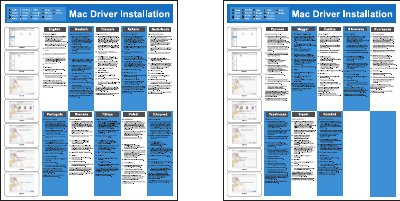
The guide provides step‑by‑step instructions for installing the Q‑GUIDE product on a Mac computer. It explains how to choose the appropriate installation folder, run the installer package, and complete the upgrade process.
The Q‑GUIDE (model 82‑239‑00130) is a printed guide with four‑color printing, sized 358 × 405 mm and made from molded 100P material. The document includes multilingual instructions to accommodate various language users. This manual is written in Chinese.
| Dimensions | 358 x 405 mm |
|---|---|
| Material | Molded 100P |
Select the corresponding installation folder according to your Mac system and click it.
Double‑click “install.pkg”, then click “continue” and finally click “Upgrade”.