
VLT AutomationDrive FC 300 operation manual, introduces information about the installation, programming, use and other related information of the product.
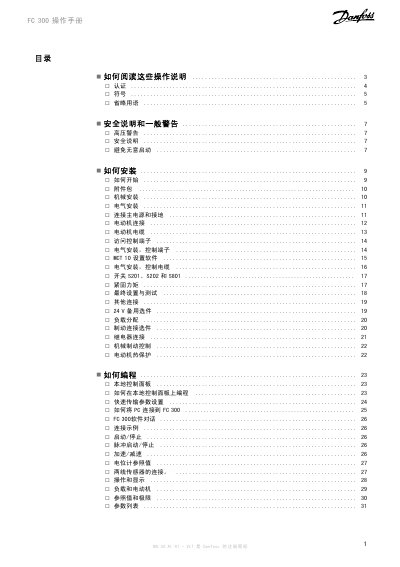
This manual covers all aspects of the FC300 frequency transformer, including safety warnings, mechanical and electrical installation, and detailed wiring diagrams. It explains how to connect the main power, motor, and control terminals, as well as optional accessories and brake connections.
Programming instructions for the local control panel, parameter settings, and PC communication are described, followed by a comprehensive troubleshooting section with alarm codes and recommended actions. The document also lists general technical specifications of the unit. This manual is written in Chinese.
| Input voltage (L1‑L3) | 200‑240 V ± 10 % |
|---|---|
| Input frequency | 50/60 Hz |
| Output voltage (U‑V‑W) | 0‑100 % of input voltage |
| Maximum DC voltage between terminals 88 and 89 | 975 V |
Connect the grounding cable to terminal 95 with a cross‑section of at least 10 mm² to ensure a good mechanical connection.
The highest possible DC voltage between terminals 88 and 89 is 975 V.
Always disconnect the main power before working on the unit, activate the OFF key first, and only then change parameters; also ensure terminal 37 is not closed.