
BossmailQ User Manual is a user manual for BossmailQ. It mainly introduces the installation, login, main interface introduction, session window introduction, initiating two-person sessions, initiating multi-person sessions, file sending, broadcast messages, viewing records, user search, viewing offline messages, organizational structure updates, personal data settings, system settings, BOSSMAILQ management, BOSSMAILQ management End log query, exit and other contents.
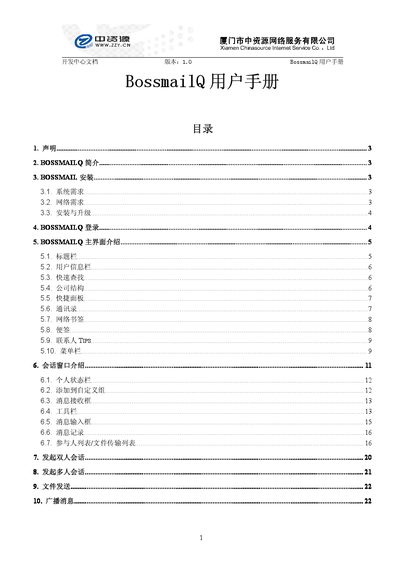
This manual introduces BossmailQ, an enterprise communication tool, and explains how to install it on Windows XP or Windows 7 with IE 6.0 or later. It lists the required network ports and guides users through the installation and upgrade process.
The guide then describes the main interface, including the title bar, user information panel, quick search, company structure, shortcut panels, contacts, network bookmarks, notes, and management functions such as log queries and technical support contact information. This manual is written in Chinese.
| Supported operating systems | Windows XP, Windows 7, IE 6.0 or later |
|---|
BossmailQ can run on Windows XP or Windows 7 with Internet Explorer version 6.0 or later.
Click Settings to expand the server address and port fields, then enter the appropriate server address and port number.
Click the Exit option in the main interface or use the system setting that closes the program on exit.