
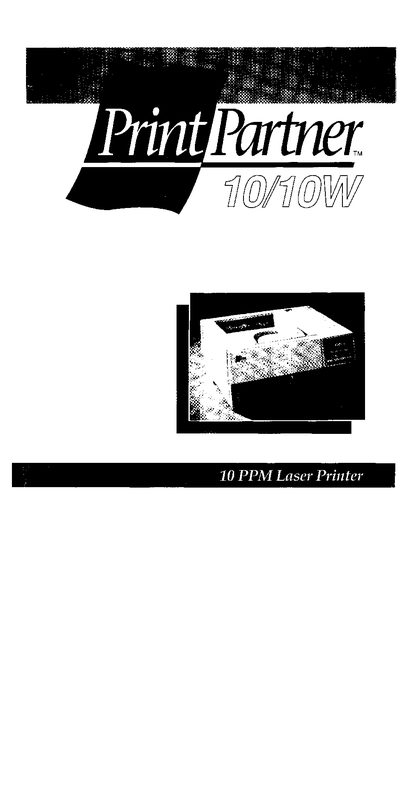
This manual guides users through unpacking, installing, and configuring the PrintPartner 10/10W laser printer. It includes detailed steps for loading paper, installing optional accessories, and connecting to power and computer interfaces.
Safety information covers laser classification, radiation limits, FCC and Canadian DOC compliance, and proper cleaning procedures. The document also contains menu selections, emulation options, and troubleshooting tips.
| Laser class | Class 1 |
|---|---|
| Maximum radiation power | 5.7 × 10⁴ W |
| Wavelength | 780 nm |
The printer is certified as a Class 1 laser product.
Shielded interface cables may be up to 2 meters long; longer or unshielded cables are prohibited.
Unplug the printer from the power supply and use a damp cloth; do not use liquid or aerosol cleaners.
A small amount of ozone is released, which is not harmful under normal ventilation conditions.