
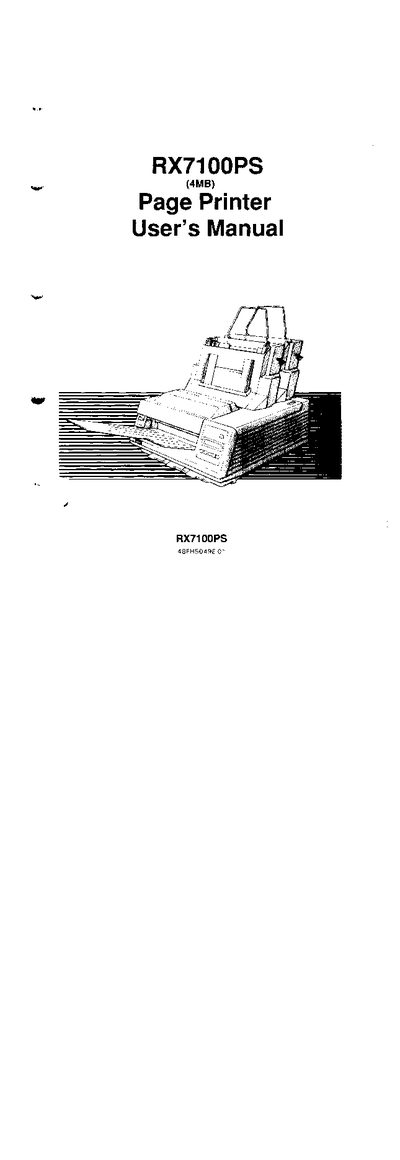
This manual covers everything needed to install and use the Fujitsu RX7100PS page printer, including safety notices, FCC compliance information, and step‑by‑step setup procedures. It also details the control panel functions, menu mode references, and font selection for both PostScript and LaserJet emulations.
Additional sections describe routine maintenance tasks such as cartridge replacement, cleaning, and filter changes, as well as a comprehensive troubleshooting guide with error messages and solutions. Contact information for Fujitsu support offices worldwide is also provided.
| Interface cable maximum length | 10 ft (3 m) |
|---|---|
| Power cord maximum length | 10 ft (3 m) |
| Tested model number | M3706MB |
The interface cable must not be longer than 10 feet (3 m).
Comments can be sent to any Fujitsu regional office listed in the manual, such as Fujitsu America, Inc., 3055 Orchard Drive, San Jose, CA 96134‑2017, USA.