
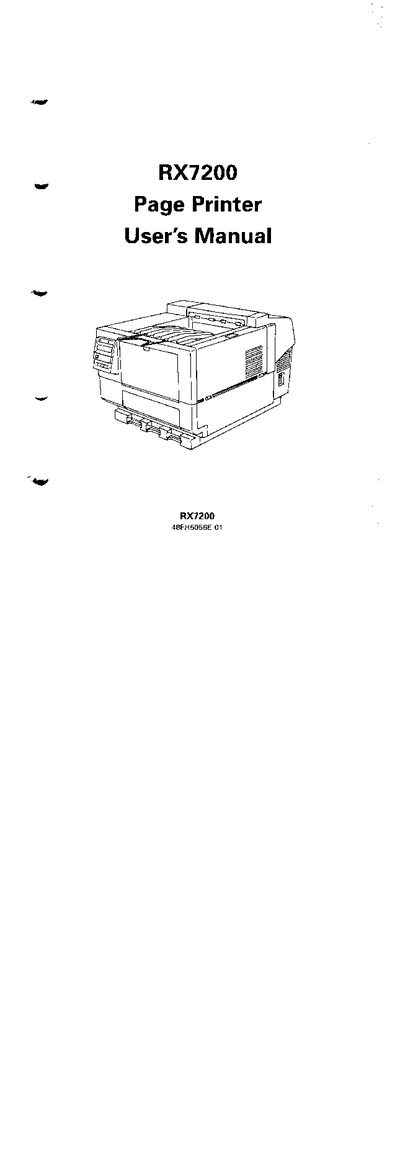
This manual explains how to set up, install, and operate the Fujitsu RX7200 Page Printer, covering unpacking, component checks, paper loading, interface connection, and printing test pages. It also includes basic maintenance tasks such as replacing the toner cartridge and repacking the printer.
Additional sections provide detailed information on printer specifications, command sets, interface details, font and character sets, optional accessories, software application notes, and a glossary. A troubleshooting chapter lists error messages and recovery procedures, and regional office contact information is provided for further assistance.
| Maximum interface cable length | 3 m |
|---|---|
| Maximum power cord length | 3 m |