
The X-1000+ series is Eos Electric's intelligent power quality analyzer, which is designed to provide users with comprehensive testing and analysis of power quality issues, help users quickly and accurately locate fault points, and solve power quality problems.
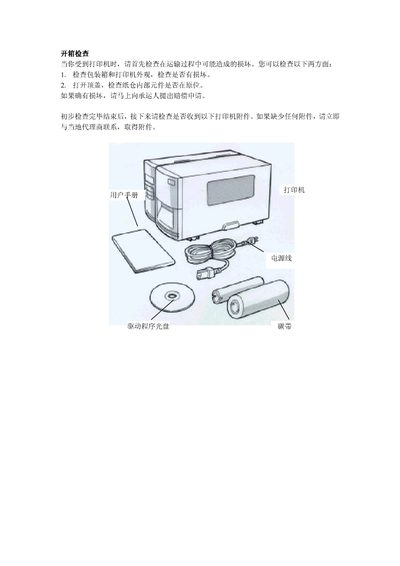
The document describes how to perform a thorough inspection of the X-1000+ printer, including checking the exterior for damage, verifying internal components, and confirming that all accessories are present. It also outlines the three operating modes the printer can run in and the steps required to switch between them.
Additional sections cover sensor calibration procedures, with detailed step‑by‑step actions such as positioning the cup, inserting the probe, and waiting the required time before printing resumes. This manual is written in Chinese.
Move the cup to the sensor, insert the probe, wait at least 2 seconds, then place the item under the sensor and wait another 2 seconds before printing.