
This is a manual on how to use the Kyocera FS-3140MFP multifunction printer
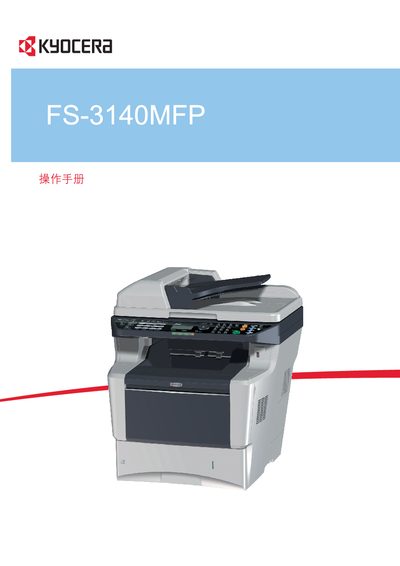
This manual covers the installation, configuration, and everyday operation of the Kyocera FS-3140MFP multifunction printer. It includes step‑by‑step procedures for connecting the device, loading paper, and configuring network settings.
Additional sections address routine maintenance, troubleshooting common issues, and detailed specifications of the printer’s features such as USB connectivity and CD‑ROM product library support.