
This manual describes how to install, use, and maintain the FS-C2126MFP multifunction printer.
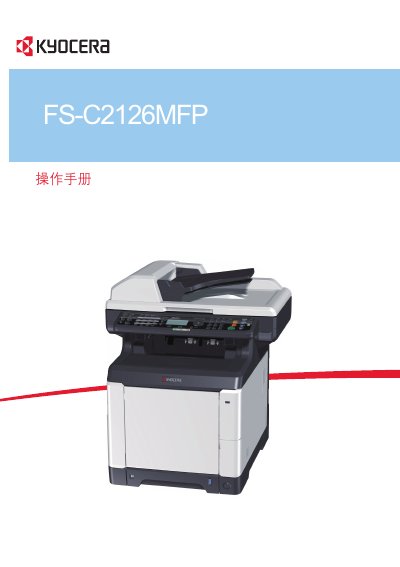
This manual covers safety guidelines, installation steps, and basic operation of the FS-C2126MFP printer, including copying, printing, scanning and sending functions. It also explains how to configure network settings and use optional features such as fax and USB printing.
Maintenance procedures, troubleshooting tips for common errors like paper jams or unknown toner, and detailed appendices with specifications and terminology are included to help keep the device running reliably. This manual is written in Chinese.
Remove the jammed paper, then press the OK key; the machine will resume printing.
If the message about unknown toner appears, ignore it and continue using the toner cartridge.