
Explains the function, purpose and precautions for Bio-Rad Gel Doc XR and ChemiDoc XRS
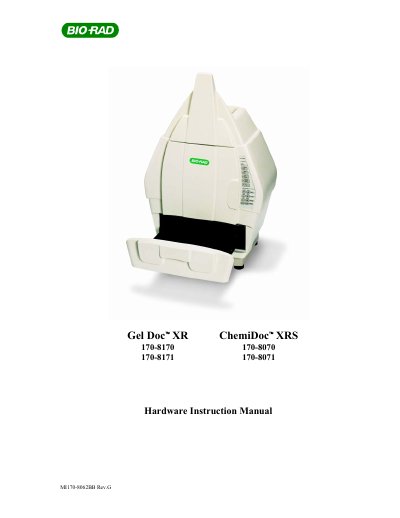
This manual explains how to install, operate, and maintain the Bio‑Rad Gel Doc XR and ChemiDoc XRS gel documentation instruments. It emphasizes safety precautions for UV radiation, recommending protective eyewear, masks, and gloves, and notes that the acrylic shield does not guarantee full protection.\n\nThe document includes sections on product description, hardware installation, system initialization, operation of the Universal Hood II, troubleshooting, parts replacement, and detailed technical specifications. Appendices cover cable configurations, software installation, PCI card installation, and a full list of technical specifications.
| Maximum Sample Size | 28 x 36 cm |
|---|---|
| Detector | CCD Super Cooled CCD |
| Resolution (H x V) | 1360 (H) x 1024 (V) |
| Cooling System | No |
| Operating Voltage | 100/115/230 VAC |
Operators should wear appropriate safety glasses or a protective mask and gloves, as the acrylic shield does not guarantee complete UV protection.
The Universal Hood II contains two user‑serviceable fuses, F1 and F2, located on the bottom rear panel of the power entry module.
The manual recommends at least 128 MB of RAM for PC installations of the Quantity One software.