
This document describes the features and characteristics of an interface board for a product. The product complies with Part 15 of the FCC Rules, providing reasonable protection against harmful interference when used in a commercial environment and may cause harmful interference when used in a residential area. The product requires a shielded cable to comply with the Federal Noise Interference Standard.
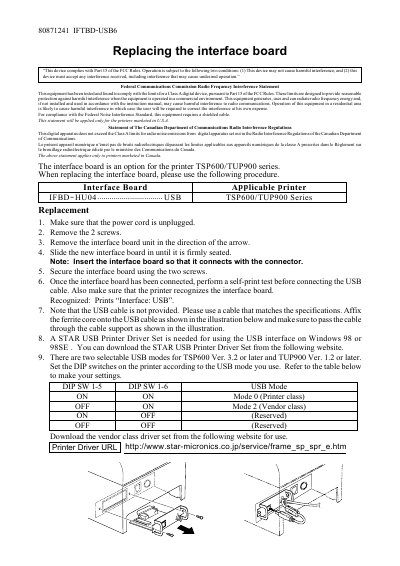
This manual provides the replacement procedure for the interface board used in Star Micronics TSP600/TUP900 series printers. It includes FCC and Canadian compliance statements and notes that the board is an optional component for these printer models.\n\nThe guide walks through power‑down, screw removal, board insertion, and verification steps, and also details USB driver requirements, selectable USB modes via DIP switches, and the need for a shielded USB cable with a ferrite core.
| Interface board model | IFTBD-USB6 |
|---|---|
| Applicable printer series | TSP600/TUP900 |
| USB Mode 0 | Printer class |
| USB Mode 2 | Vendor class |
| Required cable | Shielded USB cable with ferrite core |
Run a self‑print test; the printer will print “Interface: USB” when the board is recognized.
A STAR USB Printer Driver Set is required and can be downloaded from the Star Micronics website.
The driver is available at the Star Micronics service page: http://www.star-micronics.co.jp/service/frame_sp_spr_e.htm.