
Introduce the features and characteristics of PF2i and PF4i mid-range printers
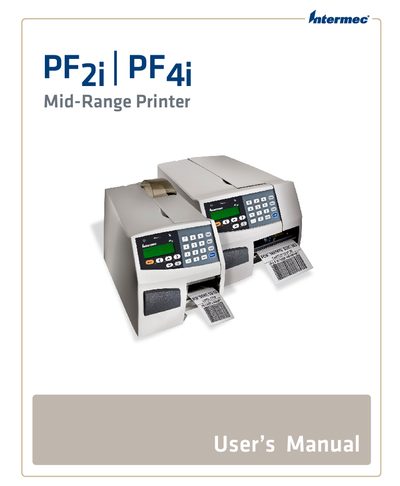
This manual covers safety information, warranty details, and global support for the Intermec PF2i and PF4i mid‑range label printers. It guides users through connecting the printer via serial, USB, Ethernet, or IEEE‑1284 ports and configuring network, RFID, and print‑engine settings.
Additional sections describe loading various media types, troubleshooting common issues, and detailed specifications of interfaces and accessories. The document also includes firmware upgrade procedures and default configuration settings for both Fingerprint and IPL modes.
| RS-232 Serial Interface | Supported |
|---|---|
| USB Interface | Supported |
| Ethernet Interface | Supported |
You can connect the printer to a PC using the serial port, the USB device port, or the IEEE‑1284 parallel port.
Warranty information is provided in the "Warranty Information" section of the manual.
The printer supports tear‑off, peel‑off, cut‑off (PF4i only), and external supply media.