
PD41 | PD42 Commercial Printer User’s Manual, introducing the features and characteristics of PD41 | PD42 printers and their usage methods
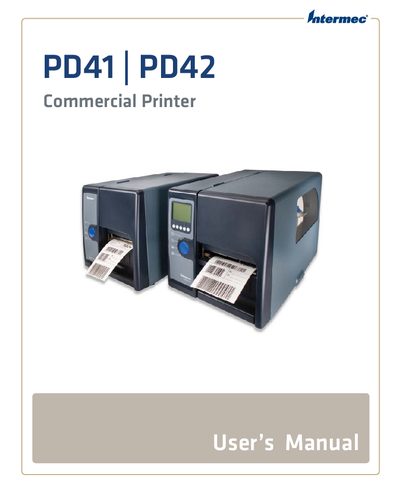
This manual provides Intermec customers with the information needed to install, configure, and operate the PD41 and PD42 commercial printers. It is intended for end‑users, system integrators, and service technicians who need detailed instructions on hardware setup, software configuration, and troubleshooting.
Key sections include printer basics, media loading, connection options (USB, serial, Ethernet, wireless), network configuration, printer settings, and a comprehensive troubleshooting guide. Specifications, interface details, and accessory information are also included for quick reference.
Connect the printer to the PC using the USB Device Port as described in the "Connecting the Printer to a PC Through the USB Device Port" section.
Follow the "Setting Up Ethernet Communications" instructions to configure the printer’s Ethernet port and IP settings.
The printer supports tear‑off media, which can be loaded following the "Loading Media for Tear-Off Printing" procedure.
Warranty details are provided in the "Warranty Information" section near the beginning of the manual.