
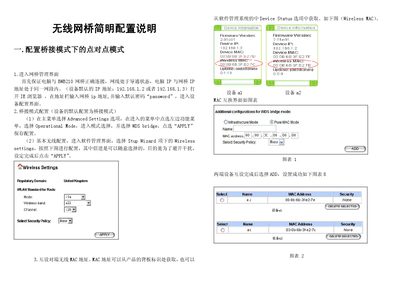
This guide explains how to install the BWB210 wireless bridge, connect it to a PC, and access the configuration interface via a web browser. It includes steps for setting the device IP, default password ("password"), and basic bridge mode selection.
The document also details point‑to‑point and point‑to‑multipoint bridge configurations, MAC address pairing, and advanced wireless parameters such as RTS threshold, fragmentation size, transmit power, and ACK timeout. Hardware installation instructions and wiring diagrams are provided for both indoor and outdoor deployments. This manual is written in Chinese.
| Default IP Address | 192.168.1.2 or 192.168.1.3 |
|---|---|
| Default Password | password |
The bridge uses 192.168.1.2 or 192.168.1.3 as its default IP address.