
This manual introduces the features and usage of the TR 220 thermal printer.
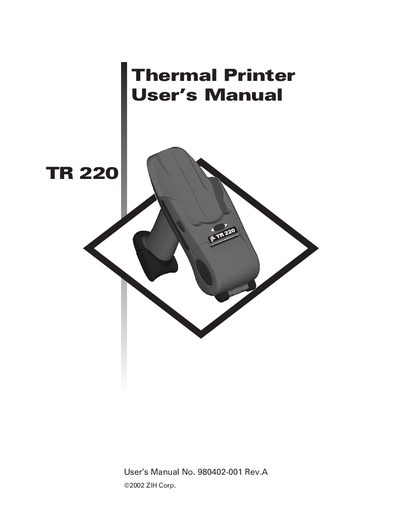
The TR 220 is a rugged 2‑inch wide direct‑thermal mobile printer designed for use with Symbol portable data terminals. It prints labels, receipts, and tags at 203 dpi resolution and supports gap, black‑mark, and notch media sensing.
This manual covers safety warnings, battery handling, media loading, printer configuration, error reporting commands, and maintenance procedures such as cleaning the print head and platen roller.
| Printer width | 2 inches |
|---|---|
| Maximum media width | 2.25 inches |
| Print resolution | 203 dpi |
| Battery type | Light lithium‑ion battery |
| Print length per charge | 2500 inches at 25 % black coverage |
| Programming language | Zebra EPL2 |
| Media sensing methods | Gap, black‑mark, notch |
It uses a light lithium‑ion battery.
It can print about 2500 inches at 25 % black coverage on one charge.
The printer accepts media up to 2.25 inches wide.
It uses Zebra’s EPL2 programming language.