
This manual introduces the functions and usage of QMS DeskLaser 1600
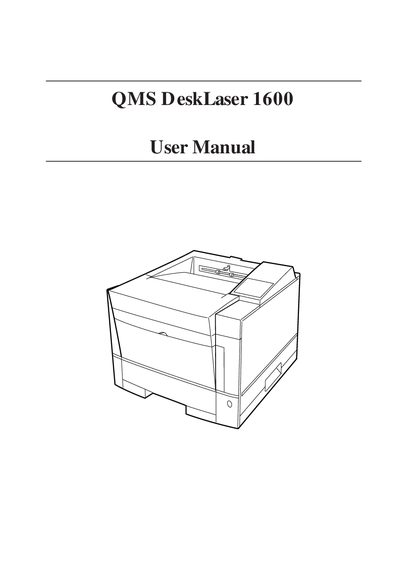
This manual introduces the QMS DeskLaser 1600 printer, describing its main parts, paper paths, and accessories. It guides users through unpacking, selecting a suitable location, and assembling the unit.
Installation steps cover connecting the power cord, installing the print unit and toner cartridge, and configuring interfaces such as RS‑232C serial and Centronics parallel ports. Safety and handling tips for the photoconductor drum and toner are also provided.
| Operating temperature | 10°C to 35°C (50°F to 95°F) |
|---|---|
| Relative humidity | 20% to 80% RH (no condensation) |
| Subsequent toner cartridge yield | ≈5,000 pages |
| Serial interface | RS‑232C (D‑SUB 9‑pin) |
| Parallel interface | Centronics (IEEE1284 type‑C) |
The printer should be used in a room temperature between 10 °C and 35 °C (50 °F to 95 °F).
It includes an RS‑232C serial interface with a D‑SUB 9‑pin connector.