
This document is an installation and user manual for MFC, which introduces the installation process, the use of control panel, and the connection of external devices.
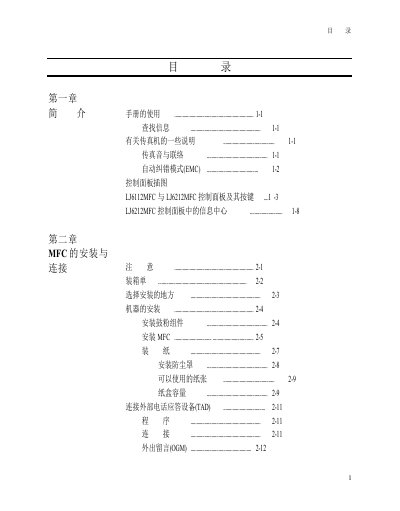
This manual covers the complete setup of the LJ6112MFC and LJ6212MFC fax machines, including hardware installation, connecting external telephone equipment, screen programming, initial configuration, and receiving settings. Detailed procedures guide users through paper handling, fax sending, and remote operation features.
Later chapters describe advanced functions such as auto‑dial settings, information‑center management, printing reports, copying, and PC integration. Troubleshooting tips, specifications, and parts replacement instructions are also included to help maintain reliable operation. This manual is written in Chinese.
| Supported paper sizes | Letter, Legal, A4, B5, A5, Executive, A6, custom |
|---|---|
| Paper tray capacity (A4/Letter) | ≈200 sheets of 20 lb (75 g/m²) paper |
| Drum life | Approximately 10,000 pages |
| Drum replacement indicator | Displays "CHANGE DRUM SOON" on LCD |