
A5528K Chinese version, introduces the characteristics and performance of A5528K
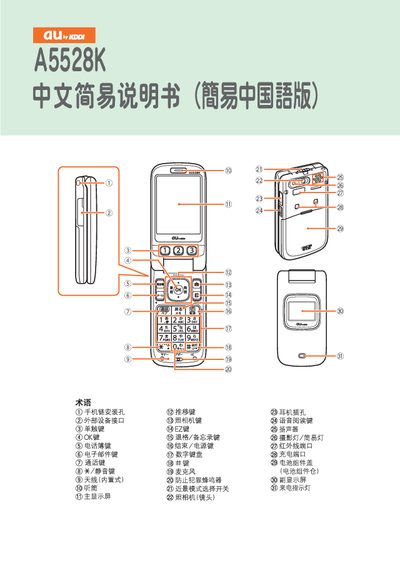
This concise manual provides step‑by‑step instructions for using the A55c8k mobile phone. It covers powering the device on and off, registering EZweb services, and checking your phone number and email address.
The guide also explains how to make and receive calls, save contacts, send and read emails, use the built‑in camera, place international calls, and manage other functions like mute mode and voice messages. This manual is written in Chinese.
Press and hold the power button for more than one second.
From the standby screen, enter the desired phone number and press the call key.