
This file is a user manual for A1404S smartphone
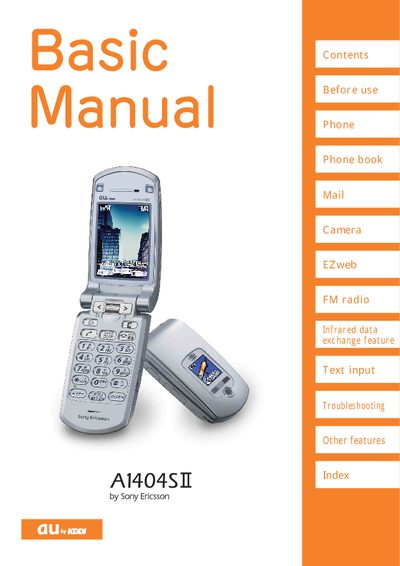
This manual covers everything you need to know about the Sony Ericsson A1404SII mobile phone. It includes sections on basic setup, phone book management, camera use, FM radio, infrared data exchange, text input, and troubleshooting. Detailed instructions are provided for each feature, along with quick reference tables.
Safety and etiquette information is also included, such as the prohibition of phone use while driving, the use of Manner mode and Drive mode, and guidelines for handling one‑ring calls and spam mail. Contact information for au customer service and recycling instructions are listed at the end.
Hold down the idle display for at least one second, then select Manner mode → Set → ON → Mode.
A red icon appears on the Received display; the call is a one‑ring call and may be a high‑charge service.