
This document is the basic manual for SANYO W31SA, which introduces the preparation before use and various features and characteristics, such as FM radio, text input, address book, camera, etc.
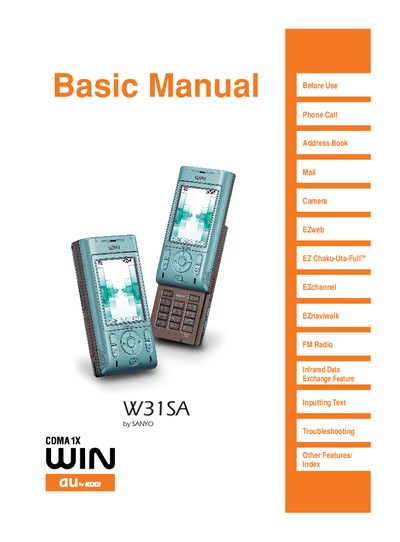
This manual covers all essential functions of the SANYO W31SA mobile phone, including making calls, managing the address book, sending e‑mail, using the camera, and accessing services such as EZweb and FM radio. It also explains the device’s basic settings, power management, and how to switch the display language.
Safety and etiquette are emphasized, with sections on proper cellphone manners, driving restrictions, junk‑mail filtering, and how to enable Drive mode or Manner mode to avoid disturbances. The guide includes troubleshooting tips, battery handling, and instructions for inserting a miniSD memory card.
Set Drive mode in the menu; it will send an automatic response to callers and store their messages.
Use the mail filter function to reject mail from specific addresses or with unwanted titles.