
Xplore G18 User's Manual
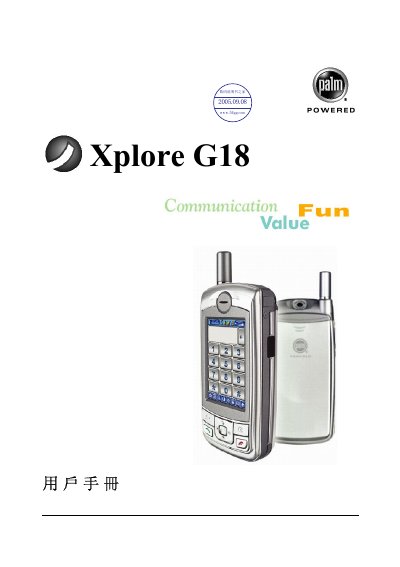
This manual introduces the Xplore G18 handheld computer, covering important safety guidelines, hardware components, and basic operating requirements. It explains how to install Palm Desktop software, use the Graffiti handwriting system, and manage data on the device.
The guide also details how to work with built‑in applications such as phone, email, web browser, media player, and how to copy, transfer, or delete programs on an expansion card. Each section includes step‑by‑step instructions and tips for efficient use. This manual is written in Chinese.
| Minimum requirement | Windows system |
|---|
Refer to the “安裝 Palm Desktop 軟體” section, which provides the installation steps for Palm Desktop.
Use the steps in the “復制擴充卡上的應用程式至掌上電腦或臺式電腦” section to copy apps from the card to the device.
Follow the “從擴充卡刪除應用程式” instructions to remove apps stored on the card.