
This document provides step-by-step instructions for installing specific software, including important notes and detailed installation process.
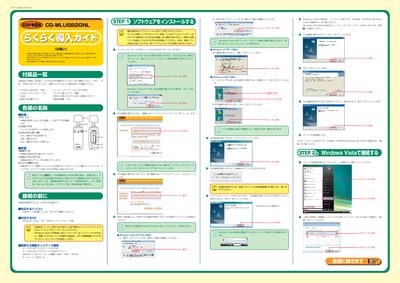
This guide explains how to install the Corega CG-WLUSB2GNL wireless USB adapter on a Windows PC. It lists the items included in the package, safety precautions, and the steps required to run the utility disk, install drivers, and configure the wireless connection.
The document also provides troubleshooting tips for common issues such as driver installation failures, network key entry, and connection problems, and includes regulatory and warranty information for the product. This manual is written in Japanese.
| Frequency band | 2.4 GHz |
|---|---|
| Modulation methods | DS‑SS and OFDM |
| Typical range | 40 m |
| Current consumption | 20 mA |
The device works with Windows Vista, Windows XP (including SP1/2), and Windows 2000, provided the utility disk is installed first.