
This document is a user manual for the F50B MP3 PLAYER digital portable music player, including product features, key functions, and usage precautions.
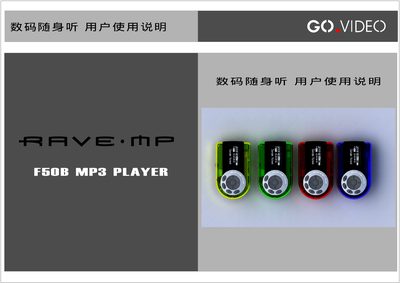
This manual explains how to safely use the F50B MP3 Player, including important safety precautions such as keeping the device away from water, children, and extreme temperatures, and how to install the AAA battery. It describes the layout of the device, the functions of each button, and how to navigate the LCD menu for playback, recording, and system settings.
The guide also covers advanced features such as FM radio reception, LRC lyric synchronization, USB connection for file transfer, firmware upgrades, and how to lock the buttons to prevent accidental operation. Hardware specifications, including battery type and expected runtime, are listed at the end of the document. This manual is written in Chinese.
| Battery Type | AAA alkaline (7号) |
|---|---|
| Battery Life | Approximately 8 hours |
| Supported Audio Formats | MP3, WMA |
| FM Radio | Supported |
| USB Interface | Mini‑USB for PC connection |
| LRC Lyric Sync | Supported |
Press the power key briefly to turn it on; hold the power key until the shutdown progress bar completes to turn it off.
It uses one AAA alkaline (7号) battery, providing about 8 hours of playback time.
Move the button lock to the locked position; unlock it before use by moving it to the unlock position.
Install the provided driver/tool software on a Windows PC, connect the player via USB, and follow the upgrade steps in the manual.