
This document is a user manual for an MP3 player, which introduces the use of the player, precautions, etc.
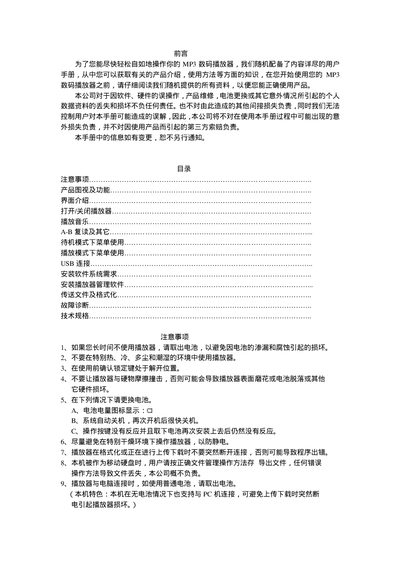
This manual provides step‑by‑step instructions for using the MP3 digital player, including how to turn the device on and off, navigate menus, select playback modes, adjust audio settings, and manage files via USB. It also explains battery handling, safety precautions, and how to format or delete files on the internal storage.
Additional sections cover technical specifications of the player, USB driver installation for Windows PCs, and a troubleshooting guide that helps resolve common issues such as no power, unresponsive buttons, missing sound, and file compatibility problems. This manual is written in Chinese.
| Storage capacity | 64‑128 MB |
|---|---|
| Battery | 1 × AAA alkaline |
| LCD display | 96 × 32 pixels |
| Dimensions | 85 mm × 32 mm × 21 mm |
| Signal‑to‑noise ratio | 90 dB |
| Headphone output power | 1 mW + 1 mW |
| Frequency response | 20 Hz – 20 kHz |
| Recording sample rate | 8 kHz |
| Supported music formats | MP3, WMA |
| Music format / playback time | ADPCM, 50 hours (128 MB) |
| Lyrics display | Chinese/English sync, GB2312 charset |
| Supported bitrate | 32 kbps – 256 kbps |
Remove the battery, wait about 3 seconds, then re‑insert it correctly into the battery compartment.
Check whether a battery is installed and has charge; if not, replace the battery and re‑insert it after a short wait.
Connect the player to a PC via USB, open the player’s drive, right‑click it, choose “Format”, confirm, and wait for the process to finish without disconnecting.