
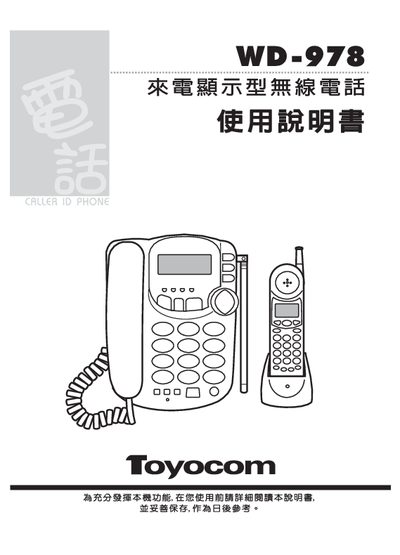
The WD-978 is a wireless telephone that supports automatic FSK and DTMF caller‑ID detection. One main unit can connect up to three sub‑units, each capable of storing multiple phone numbers and display settings. The device includes contrast‑adjustable display, three‑way call function, and a battery‑powered sub‑unit.
The manual explains how to install the main and sub units, configure area codes, IP settings, and contrast, as well as charging procedures and warranty information. It also provides troubleshooting tips such as checking with the local telecom provider if caller‑ID service is not active. This manual is written in Chinese.
| Caller‑ID detection method | FSK & DTMF automatic compatibility |
|---|---|
| Maximum sub‑units per main unit | 1‑3 |
| Number of stored numbers (main unit) | 52 groups of incoming numbers, 8 groups of outgoing codes |
| Number of stored numbers (sub‑unit) | 52 groups of incoming numbers, 8 groups of outgoing codes |
| Display contrast adjustment | Adjustable in 3 levels |
| Main unit power input | AC 110 V, DC 9 V/300 mA |
One main unit can connect between one and three sub‑units.
Check with your local telecom bureau to ensure caller‑ID service is enabled for your line.
Place the sub‑unit on the charging dock for 12 hours before first use.