
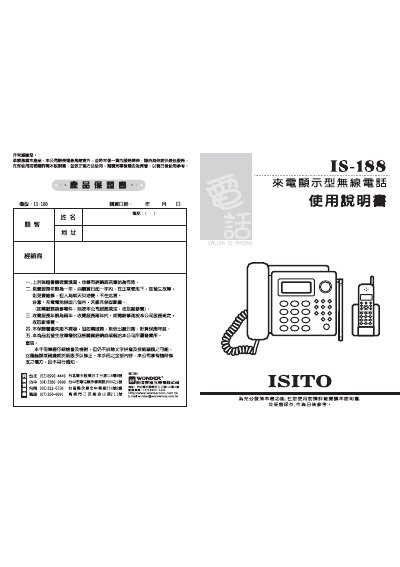
This manual provides safety guidelines, hardware overview, and step‑by‑step instructions for installing and configuring the IS‑188 wireless telephone with caller ID display. It covers initial power connection, antenna positioning, and basic dialing functions.
Additional sections describe battery maintenance, troubleshooting common issues, and detailed technical specifications such as DTMF frequencies and RF power. The document also includes service contact information for Taiwan locations. This manual is written in Chinese.
| DTMF high‑frequency tones | 1209, 1336, 1477 Hz |
|---|---|
| DTMF low‑frequency tones | 697, 770, 852, 941 Hz |
| Master unit RF frequency tolerance | < 500 Hz |
Remove the battery, replace it with a fresh one, and recharge the new battery in the charging dock for about 10 hours before use.
Press the * key, then enter a number from 1 to 9 to set the number of hours for Do‑Not‑Disturb; entering 0 cancels the function.
When a call arrives, the LCD screen shows the caller ID information and a flashing indicator for the incoming call.