
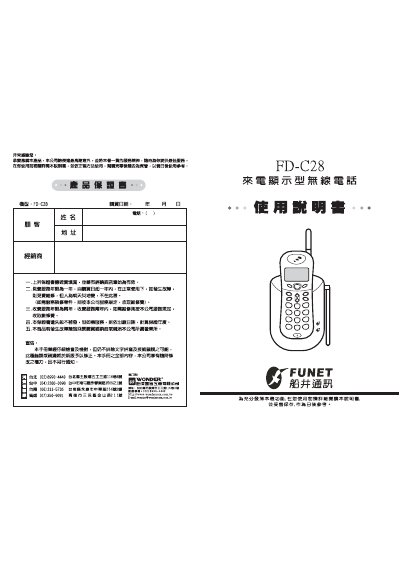
This manual provides the essential information for installing, configuring and using the FD‑C28 wireless telephone with a built‑in caller‑ID display. It explains the device’s main features, such as FSK/DTMF signaling, programmable memory for up to 90 incoming numbers, and battery status indicators.
The guide also includes step‑by‑step instructions for initial setup, battery charging and replacement, time/date programming, and a troubleshooting section that lists common faults and their remedies. This manual is written in Chinese.
| Supported signaling | FSK / DTMF |
|---|---|
| DTMF frequency tolerance | ±1.5 % |
| Transmit power | 10 mW |
| Transmit frequency range (base unit) | 46.610 – 46.970 MHz |
| Receive frequency range (handset) | 49.670 – 49.970 MHz |
| Battery voltage (charging) | 3.6 V |
Open the battery compartment, remove the old rechargeable battery, insert a new 3.6 V rechargeable cell, and charge it on the supplied AC 110 V / DC 6 V 200 mA charger for at least 12 hours before first use.
While the handset is in standby mode, press the setting key for about 2 seconds, then use the keypad to adjust hours, minutes, and date as indicated on the display.
Check that the local telephone exchange provides caller‑ID service, verify the antenna is properly extended, and ensure the handset is within the service area; otherwise contact the service provider.
Press the channel selector key; the handset can switch automatically or manually through the 10 preset channels.