
The document describes the features and characteristics of a product.
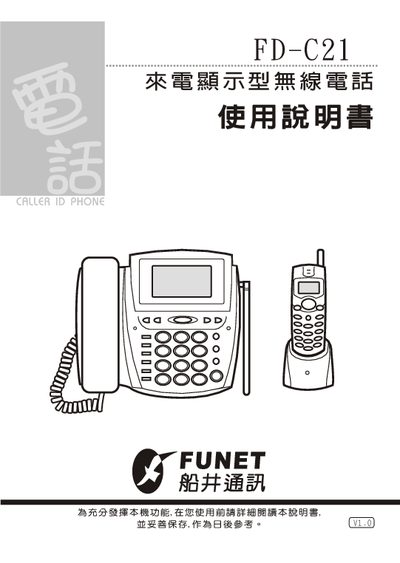
This manual provides detailed instructions for the Wonder FD‑C21 wireless telephone with caller ID display. It includes features, part identification, installation steps, pre‑use configuration, specifications, maintenance, and fault troubleshooting.
The guide also contains safety notices, power requirements, battery handling, and warranty information to help users operate the device correctly and safely. This manual is written in Chinese.
| Mother unit power supply | AC 110V, DC 9V/300mA |
|---|---|
| Sub unit power supply | DC 9V/100mA |
| Maximum number of sub units | 7 |
| Memory capacity | 70 groups of latest numbers, 10 groups of recent numbers |
| Display contrast adjustment | Adjustable |
| Battery charging time for sub unit | 1–2 hours |
| Recommended battery type | Brand‑name batteries |
Up to seven sub units can be connected.
Hold the setting key for about three seconds, then enter the three‑digit area code.
The mother unit requires AC 110 V and a DC 9 V/300 mA adapter.
Place the sub unit on the charging dock for 1–2 hours; the charging indicator will light while charging.