
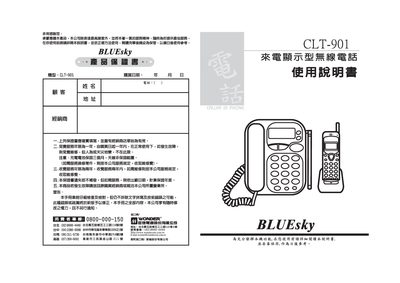
This manual provides step‑by‑step instructions for installing the CLT‑901 caller ID display telephone, including wiring, power connection, and initial charging of the battery. It also explains the functions of the main unit and sub‑unit, such as storing numbers, setting area codes, and using the three‑way conference feature.
Additional sections cover routine use, how to adjust display contrast, configure DTMF/FSK settings, and resolve common issues like missing caller ID information or battery problems. Safety warnings and warranty information are also included. This manual is written in Chinese.
| Main unit transmit frequency | 46.610~46.970 MHz (10 channels) |
|---|---|
| Sub‑unit transmit frequency | 49.670~49.970 MHz (10 channels) |
| Transmit power | < 10 mW |
| DTMF frequency tolerance | ±1.5 % |
| FSK receive frequency tolerance | ±1.5 % |
Insert the battery into the charging socket, place the sub‑unit on the AC 110 V / DC 9 V 7300 mA charger, and charge for at least 12 hours on first use.