
Based on the real-time network, by collecting equipment information, real-time analysis, provide equipment with real-time optimization suggestions, and provide users with better services
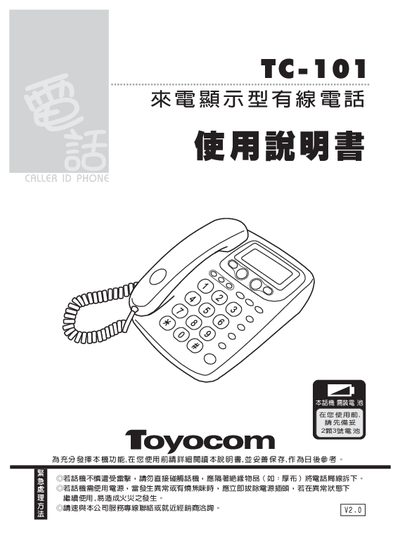
The Wondercom TC-101 is a wired telephone with caller ID display and a range of configurable functions. This manual provides detailed instructions for installation, initial setup, and daily operation, including how to set time, area code, and call‑blocking features.
It also includes specifications, power safety notes, routine maintenance tips, and a troubleshooting guide to help resolve common issues such as blurry LCD display or power problems. This manual is written in Chinese.
| Battery type | 2.5号电池 |
|---|---|
| LCD contrast adjustment | Adjustable via contrast key |
| Maximum stored call logs | 35 groups of call numbers and times |
| Supported signaling formats | FSK and DTMF compatible |
| Anti‑theft function | Built‑in call‑blocking feature |
In standby mode, press the [设定/储存键] to enter time setting, then use the up/down keys to adjust year, month, date and hour/minute, confirming each step with the same key.
Press the [设定/储存键] to enter area code setting, then use the up/down keys to select the desired code and confirm with the same key.
Replace the battery; first disconnect the power line, change the battery, then reconnect the power and reset the time.