
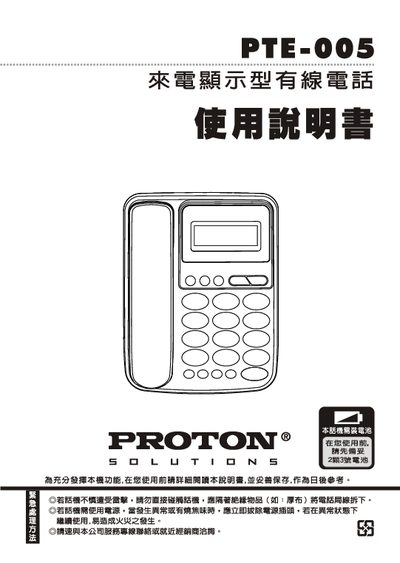
This manual covers safety precautions, the external appearance and part names of the PTE-005 wired telephone, and step‑by‑step instructions for initial setup, including battery installation and line connection. It also explains how to configure time, outgoing and incoming call settings, memory functions, LCD contrast, and volume.
Additional sections describe routine maintenance, battery replacement, and a troubleshooting guide for common faults. Contact information for service and warranty support is provided at the end of the document. This manual is written in Chinese.
| Signaling | FSK / DTMF |
|---|---|
| Incoming number memory | 65 groups |
| Outgoing number memory | 16 groups |
| M1 memory groups | 1 group |
| LCD contrast adjustment | Adjustable (5 levels) |
| Battery type | 2 AA batteries |
Enter standby mode, press the setting key, then follow the prompts to adjust year, month, day, hour and minute as described in the time setting section.
The telephone can store up to 65 groups of incoming numbers.
Press the contrast adjustment key while in standby; the LCD contrast can be set in five levels.
It uses two AA batteries, installed with correct polarity at the bottom of the handset.