
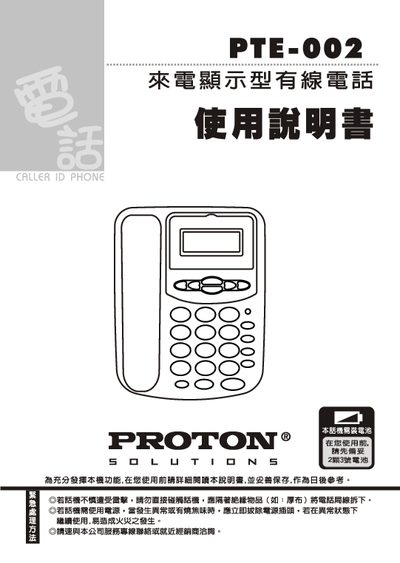
This manual explains how to install the PTE-002 wired telephone, connect the handset and line, and replace the batteries. It also details the operation of the LCD display, time and date settings, call handling functions, and memory storage for numbers.
Additional sections cover the configuration of local and external line settings, tone and pulse dialing options, and a list of common faults with step‑by‑step troubleshooting procedures. This manual is written in Chinese.
| Battery count | 2 batteries |
|---|---|
| Incoming number memory capacity | 50 numbers |
| Outgoing number memory capacity | 15 numbers |
Open the bottom of the handset, insert two new batteries with correct polarity, then close the cover.