
This manual introduces the main features of the Wand PD-801 multi-function telephone, including large screen display, caller ID, call time recording, dialed number recording, redial, hold, hold, direct dial and other functions.
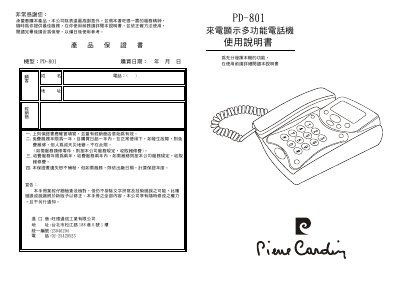
The Wangde PD-801 is a multifunction telephone that displays caller ID, date, time and call history on a large LCD screen. This manual explains installation, operation, configuration and troubleshooting to help users get the most out of the device.
The guide covers main features such as storage of up to 90 incoming numbers, 90 VIP numbers and 25 dial‑out records, adjustable contrast and backlight, anti‑theft dialing, and battery‑powered low‑power operation. Detailed step‑by‑step instructions show how to set the clock, adjust settings, use the keypad functions and resolve common issues. This manual is written in Chinese.
| Incoming number storage | 90 numbers |
|---|---|
| VIP number storage | 90 numbers |
| Dial‑out record storage | 25 numbers |
| Display | Large LCD with calendar |
| Power consumption | Low power, no external transformer required |
| LCD contrast adjustment | 5 levels, 6 flash‑time options |
| Anti‑theft dialing | Enabled/disabled via setting |
| Ringtone and hands‑free volume | Adjustable |
In standby, press the setting key; the display shows a blank. Press the setting key again to enter time‑setting mode, then use the up/down query keys to adjust year, month, day, hour and minute sequentially.
While the phone is in standby, use the up or down query key to locate the desired number, then press the delete key to remove it.
In standby, press the setting key, then the query key until the anti‑theft status is shown. Press the setting key again to toggle the function on or off.