
This document provides instructions on installing and using VideoCAM Messenger, including steps for installing the driver and connecting it to the computer, as well as an overview of the software's main features.
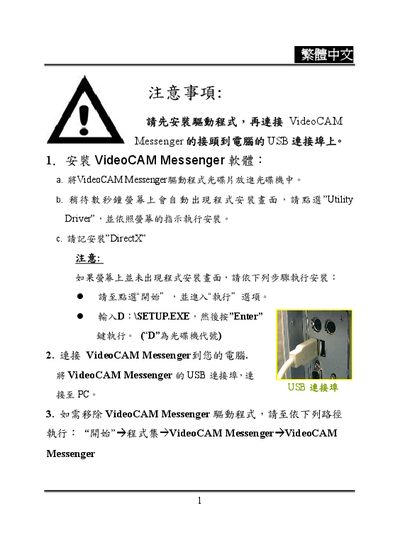
This manual explains how to install VideoCAM Messenger on a PC, including driver selection and DirectX requirements. It also provides steps for uninstalling the software safely.
The guide details integration with popular instant‑messaging programs such as MSN Messenger, Yahoo Messenger, and CUSeeMe, describing how to start video chat, select contacts, and adjust video settings like resolution and format. This manual is written in Chinese.
| Supported video resolution | 640 × 480 |
|---|
Open the Uninstall option and follow the displayed instructions to remove the program.
After installing, start MSN Messenger, select a contact, and enable the video chat option to stream video from VideoCAM Messenger.
Yes, open Yahoo Messenger, choose a friend, and activate the video function to send video captured by VideoCAM Messenger.